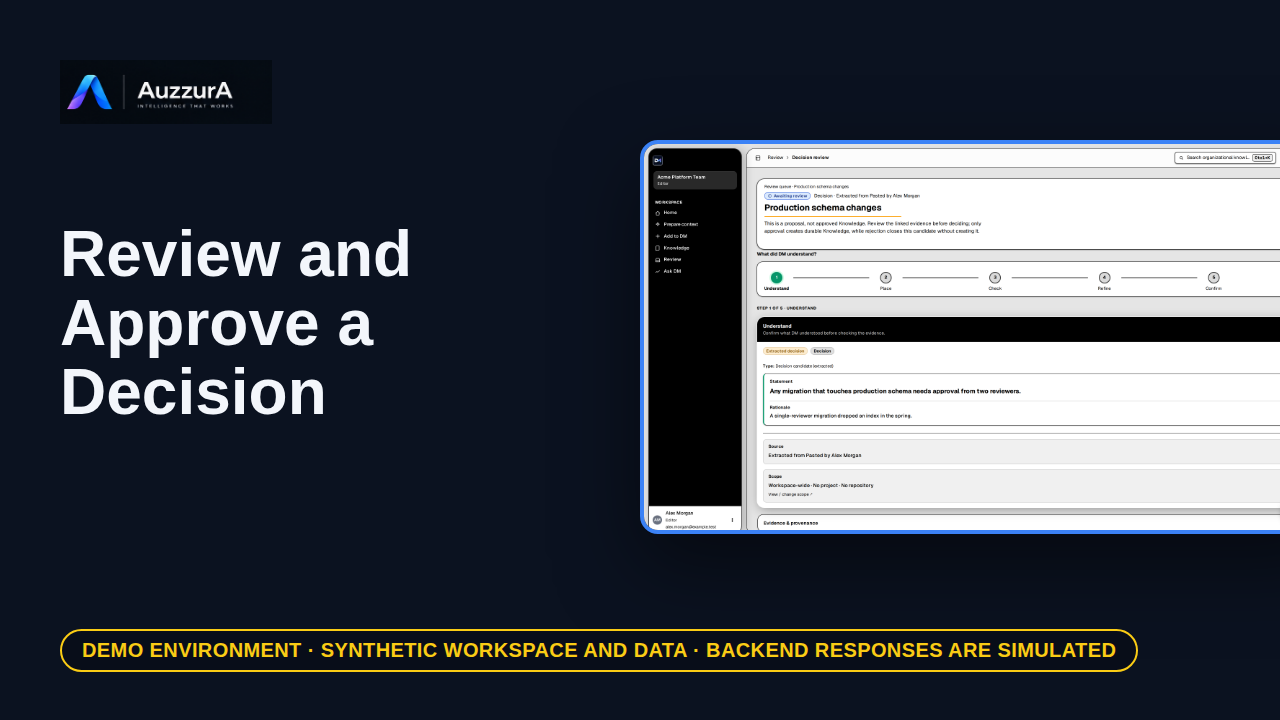
Review and approve a decision candidate
Demonstrate why AI extraction is not automatically team policy. DM proposes what it found. Your team decides what becomes trusted.
For: Reviewer / workspace decision owner
How-to
Retrieve rationale, evidence and change history without chasing old messages. You found the implementation. But why was that choice made?
Read the steps OR watch the video. Both teach the same outcome, and neither is needed for the other.Jump to the video
What it means: You found the code, but why was it built this way? Your team may already have decided. Start from your DM Home. Ask DM answers questions from your team's approved decisions. Select Ask DM in the sidebar.
What it means: This is Ask DM. It answers from approved decision memory only. It doesn't use unapproved candidates or general knowledge. Type your question in your own words. For example, why did we choose row-level security for tenant data?
What it means: Then select Send.
What it means: Ask DM replies with a short answer and the reason the team gave. The tag under the answer shows how many approved decisions and evidence items it relied on. Check that those sources match what you were asking about.
What it means: Open Supporting information to see what the answer is built on. It shows the approved decision itself, with its owner, who approved it and when, and the evidence linked to it.
What it means: To go deeper, open the decision. Its own page keeps the full record in one place.
What it means: The page leads with the decision statement and the reason behind it.
What it means: To see where it came from, open the Evidence and Lineage tab.
What it means: Linked evidence shows the source the decision rests on. Here, it is an excerpt from the meeting where the decision was made.
What it means: Now you can examine the reasoning yourself instead of relying on memory. In this demonstration, Ask DM's answer is simulated, so it doesn't show how a live workspace would respond. Next, let's use this decision as task context.
The Ask DM answer, its sources and the decision shown are invented for this tour. Retrieval, ranking and the wording of a live answer were not shown or verified.
Search as a separate way to find decisions, follow-up questions, conversation history and feedback are not demonstrated. If nothing approved matches, Ask DM says so instead of answering.
Demo environment · synthetic workspace and data · Ask DM answers are simulated. Ask DM, then check the decision and its evidence
This guide follows the real DM Home, Ask DM and a decision's detail page with a synthetic workspace and simulated backend responses. The Ask DM answer shown is a fixture: what a live workspace returns depends on its approved decisions, your access and what Ask DM can retrieve.
A banner reading "Demo environment · synthetic workspace and data · Ask DM answers are simulated" stays on screen for the whole video.
On screen: Start on DM Home (/). Click "Ask DM". The next view is "Ask DM" (/ask-dm). A highlight marks "Ask DM".
Narrator: You found the code, but why was it built this way?
Narrator: Your team may already have decided. Start from your DM Home.
Narrator: Ask DM answers questions from your team's approved decisions.
Narrator: Select Ask DM in the sidebar.
On screen: Type "Why did we choose row-level security for tenant data?" into the "Ask a question about decision memory" field. A highlight marks "Your question".
Narrator: This is Ask DM.
Narrator: It answers from approved decision memory only. It doesn't use unapproved candidates or general knowledge.
Narrator: Type your question in your own words.
Narrator: For example, why did we choose row-level security for tenant data?
On screen: Click "Send". The next view is "Ask DM" (/ask-dm). A highlight marks "Send".
Narrator: Then select Send.
On screen: A highlight labelled "The answer" marks "The team chose Postgres row-level security keyed on workspace_id so t…".
Narrator: Ask DM replies with a short answer and the reason the team gave.
Narrator: The tag under the answer shows how many approved decisions and evidence items it relied on.
Narrator: Check that those sources match what you were asking about.
On screen: Click "Supporting information (4)". The next view is "Ask DM" (/ask-dm). A highlight labelled "Supporting information" marks "Supporting information (4)". Afterwards: A highlight labelled "The approved decision" marks "DECISION All tenant-owned tables use Postgres row-level security keye…".
Narrator: Open Supporting information to see what the answer is built on.
Narrator: It shows the approved decision itself, with its owner, who approved it and when, and the evidence linked to it.
On screen: Click "Open Decision Detail". The next view is "Isolate tenant data with row-level security" (/decisions/dec-rls). A highlight labelled "Open the decision" marks "Open Decision Detail".
Narrator: To go deeper, open the decision.
Narrator: Its own page keeps the full record in one place.
On screen: A highlight labelled "The decision" marks "All tenant-owned tables use Postgres row-level security keyed on work…". A highlight labelled "Why" marks "Why Application-level filters have missed a query before. Row-level s…".
Narrator: The page leads with the decision statement and the reason behind it.
On screen: Click "Evidence & Lineage". The next view is "Isolate tenant data with row-level security" (/decisions/dec-rls). A highlight labelled "Evidence and lineage" marks "Evidence & Lineage".
Narrator: To see where it came from, open the Evidence and Lineage tab.
On screen: A highlight labelled "Linked evidence" marks "1 linked item".
Narrator: Linked evidence shows the source the decision rests on. Here, it is an excerpt from the meeting where the decision was made.
On screen: A highlight labelled "Linked evidence" marks "1 linked item".
Narrator: Now you can examine the reasoning yourself instead of relying on memory.
Narrator: In this demonstration, Ask DM's answer is simulated, so it doesn't show how a live workspace would respond.
Narrator: Next, let's use this decision as task context.
Last verified against the product on .
Demonstrate why AI extraction is not automatically team policy. DM proposes what it found. Your team decides what becomes trusted.
For: Reviewer / workspace decision owner
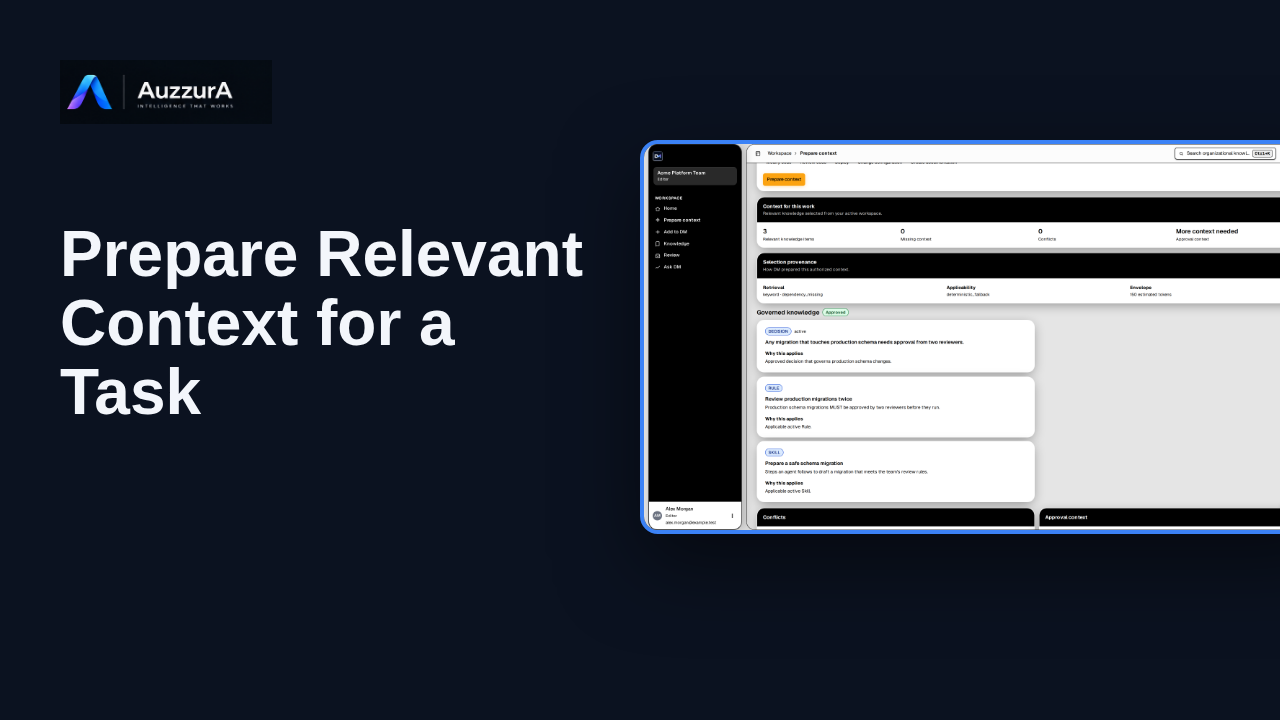
Create a bounded context package from approved knowledge. Before your AI agent changes code, give it the decisions that apply.
For: Coding-agent user
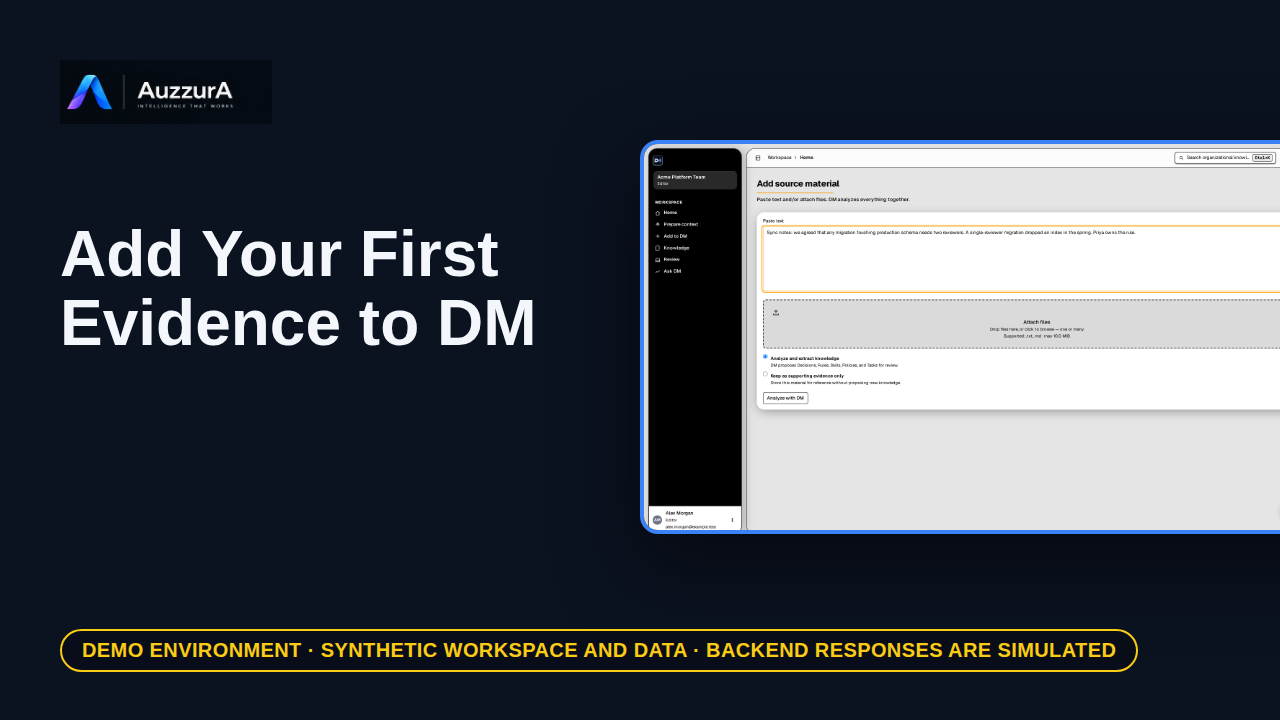
Start from one relevant source rather than recording everything. A team decision often starts in a document, a ticket, or a meeting note.
For: Workspace member
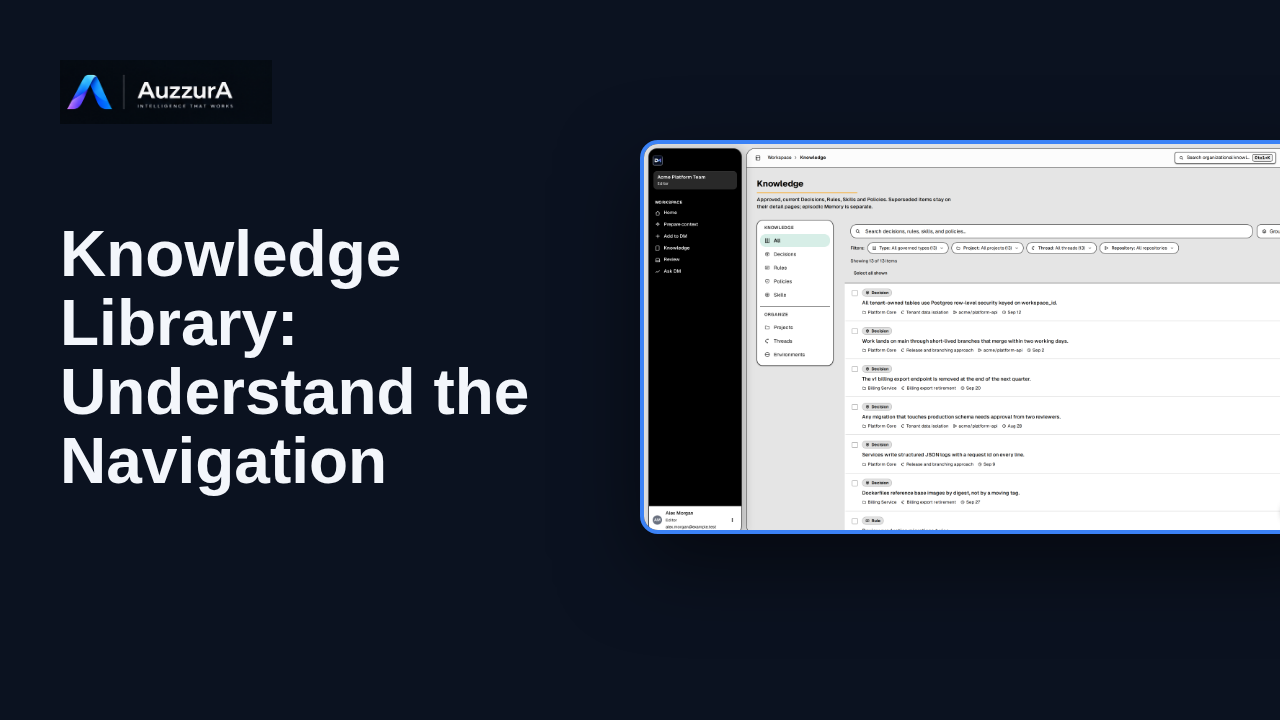
Find approved decisions, rules, skills and related team context in DM’s Knowledge library.
For: New workspace member