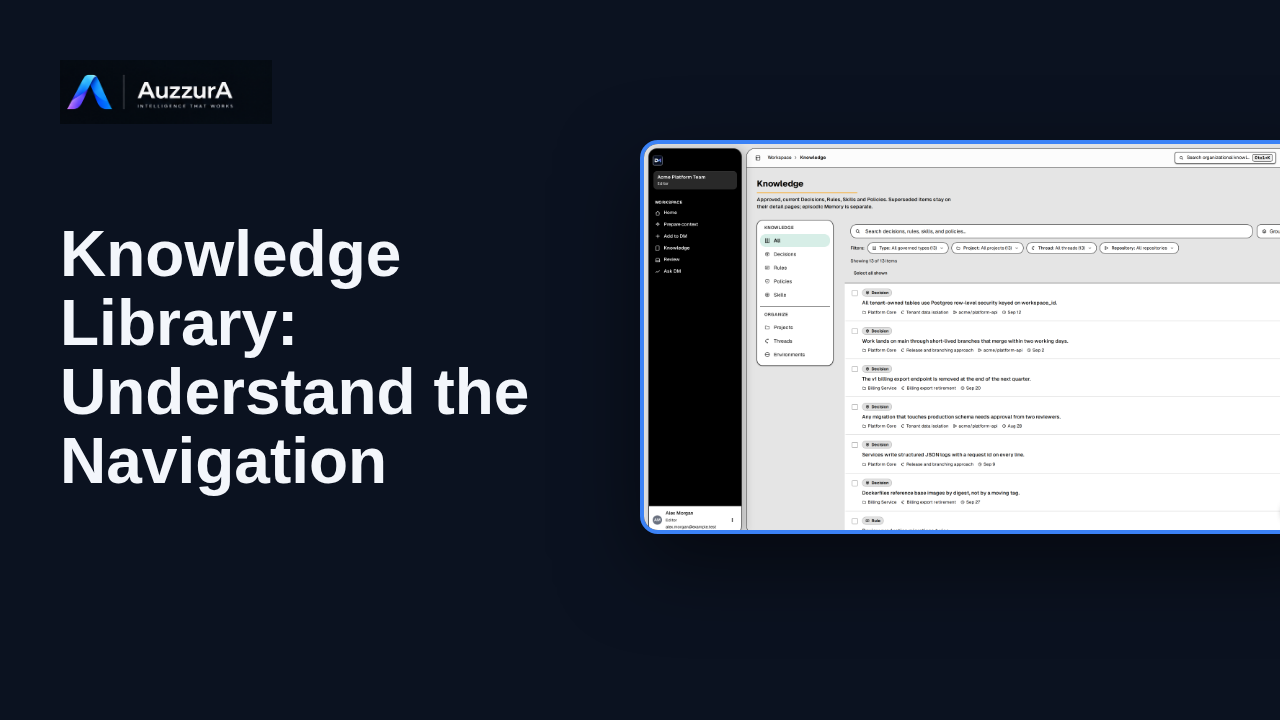
Knowledge library: understand the navigation
Find approved decisions, rules, skills and related team context in DM’s Knowledge library.
For: New workspace member
How-to
Start from one relevant source rather than recording everything. A team decision often starts in a document, a ticket, or a meeting note.
Read the steps OR watch the video. Both teach the same outcome, and neither is needed for the other.Jump to the video
What it means: Start with one relevant source, not everything. Select Add to DM.
What it means: You have source material, so choose Source-based intake. DM reads it and proposes what it finds for review.
What it means: Select Add source material.
What it means: Paste text, or attach a file. Here, short notes from a team sync.
What it means: Keep Analyze and extract knowledge selected, then select Analyze with DM.
What it means: DM found one decision candidate in the notes. It's a proposal. It stays here until a person reviews and approves it.
What it means: Next, review what DM found.
Attaching files, connectors, supporting-evidence-only mode, choosing a project or thread and the review of the candidate are not demonstrated here (see the review episode).
The extraction itself is not shown or verified: the candidate is an invented fixture and no AI ran.
Provider and processing status for a real deployment are not shown.
Demo environment · synthetic workspace and data · backend responses are simulated. Start from one source, get a candidate for review
The analysis result is SIMULATED: this guide uses a synthetic workspace, and the candidate DM 'finds' in the pasted notes is fixture data, not the output of a real extraction run. Real extraction depends on your deployment, provider status and the content you add; DM's candidates are proposals that need human review before they become approved knowledge.
A banner reading "Demo environment · synthetic workspace and data · backend responses are simulated" stays on screen for the whole video.
On screen: Start on DM Home (/). Click "Add to DM". The next view is "Add to DM" (/add). A highlight marks "Add to DM".
Narrator: Start with one relevant source, not everything.
Narrator: Select Add to DM.
On screen: Click "Source-based intake". The next view is "Source-based intake" (/add/source). A highlight labelled "Source material" marks "Source-based intake You have source material. DM understands it and p…".
Narrator: You have source material, so choose Source-based intake.
Narrator: DM reads it and proposes what it finds for review.
On screen: Click "Add source material". The next view is "Add source material" (/intake/bundles/new). A highlight labelled "Paste or attach" marks "Add source material Paste text and/or attach files together. DM analy…".
Narrator: Select Add source material.
On screen: Type "Sync notes: we agreed that any migration touching production schema needs two reviewers. A single-reviewer migration dropped an index in the spring. Priya owns the rule." into the "Paste text" field. A highlight marks "Your source".
Narrator: Paste text, or attach a file. Here, short notes from a team sync.
On screen: Click "Analyze with DM". The next view is "Pasted notes" (/intake/bundles/bundle-two-reviewers). A highlight marks "Analyze with DM".
Narrator: Keep Analyze and extract knowledge selected, then select Analyze with DM.
On screen: A highlight labelled "Nothing is approved yet" marks "Source material produces candidates for review. Approved candidates b…". A highlight labelled "The candidate" marks "Decision Any migration that touches production schema needs approval…".
Narrator: DM found one decision candidate in the notes.
Narrator: It's a proposal. It stays here until a person reviews and approves it.
On screen: A highlight labelled "Review it next" marks "Review →".
Narrator: Next, review what DM found.
Last verified against the product on .
Find approved decisions, rules, skills and related team context in DM’s Knowledge library.
For: New workspace member
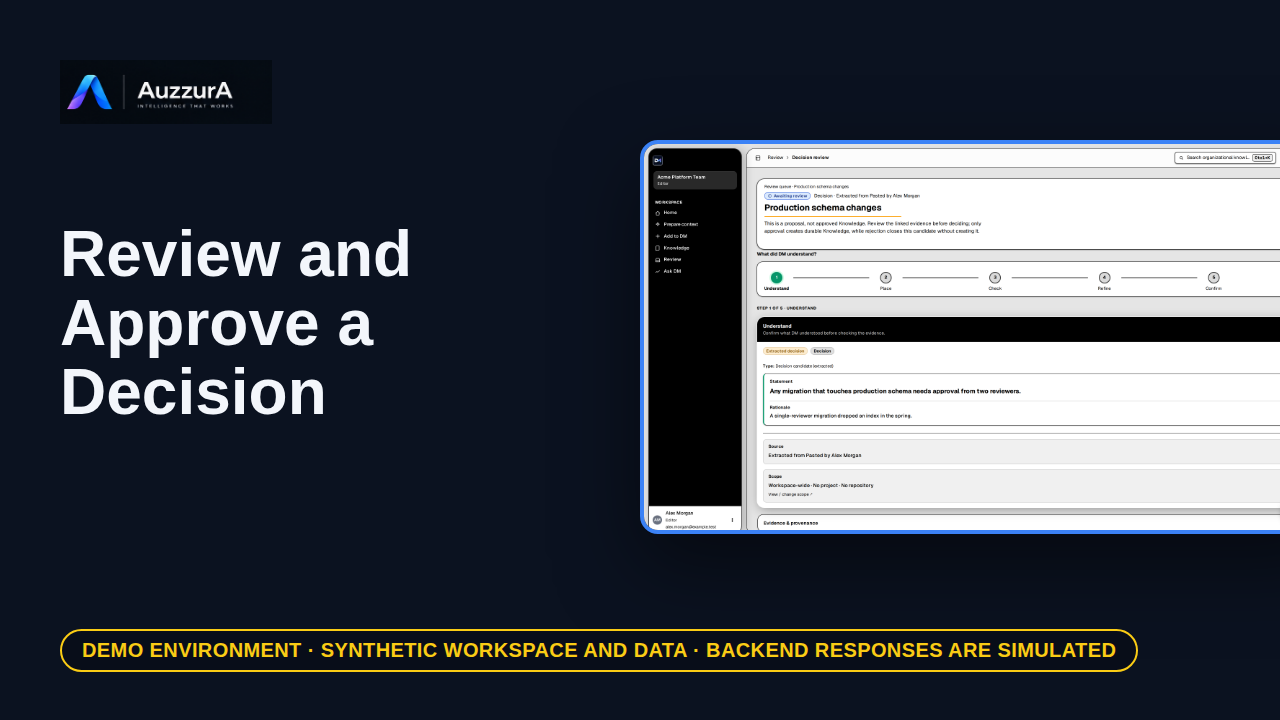
Demonstrate why AI extraction is not automatically team policy. DM proposes what it found. Your team decides what becomes trusted.
For: Reviewer / workspace decision owner
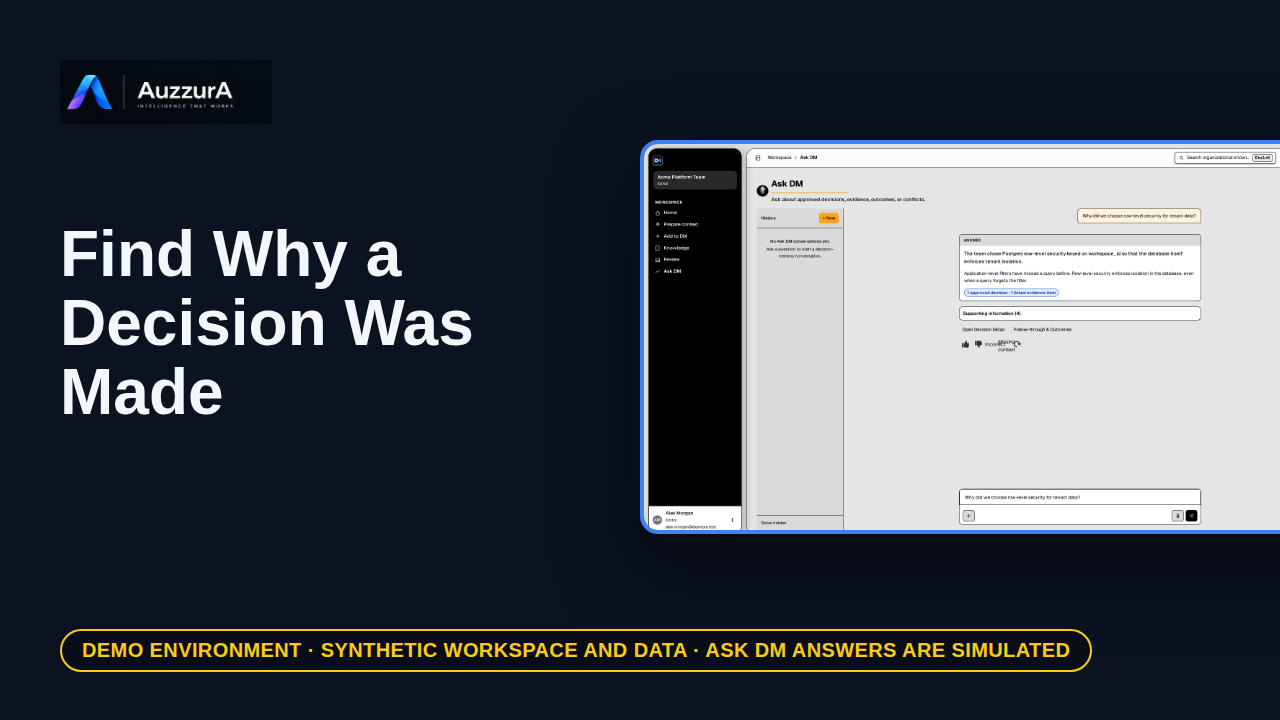
Retrieve rationale, evidence and change history without chasing old messages. You found the implementation. But why was that choice made?
For: New engineer or tech lead
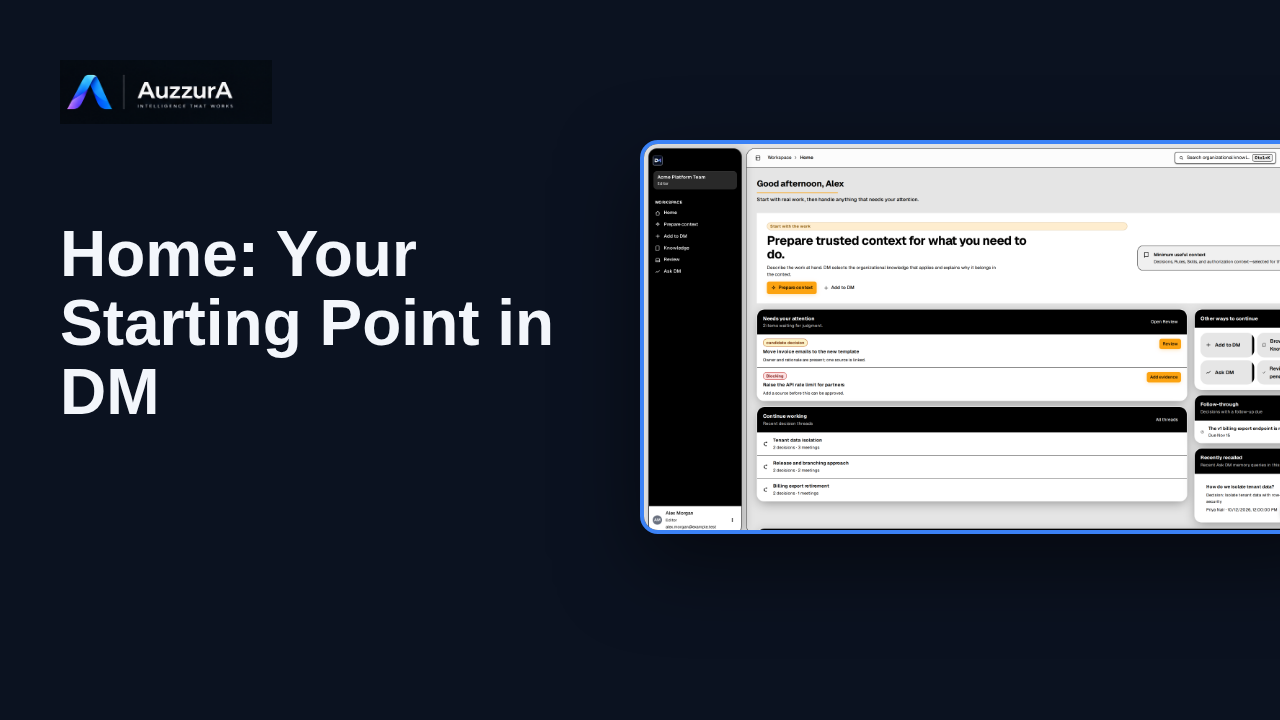
Orient new users to DM Home and the main areas that need attention.
For: Any signed-in workspace member