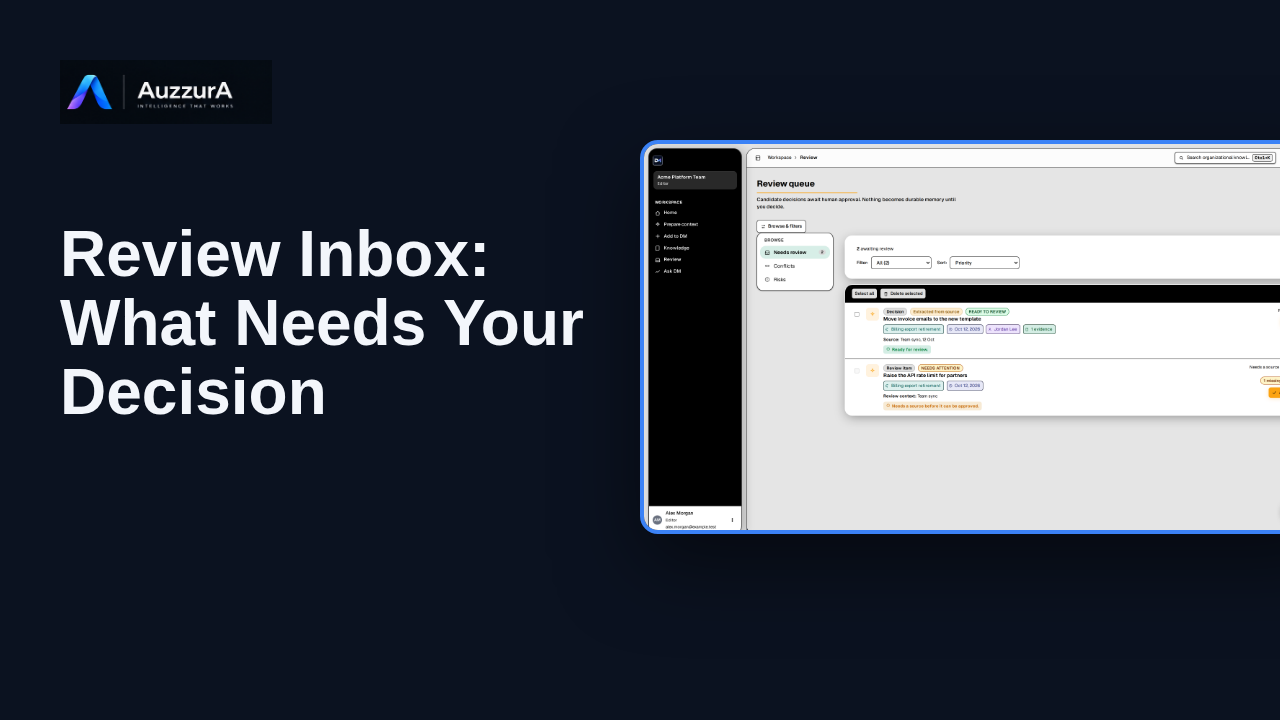
Review Inbox: what needs your decision
Show how to interpret the review queue before diving into detailed approval. The Review Inbox is where proposed knowledge waits for someone to judge it.
For: Reviewer or workspace decision owner
Product tour
Orient users to search/navigation versus natural-language answer with citations. You do not need to remember a document title to find the decision behind it.
Read the steps OR watch the video. Both teach the same outcome, and neither is needed for the other.Jump to the video
What it means: DM gives you two ways to find context. Search lists the approved decisions that match your words. Ask DM answers a question in plain language. You can use either one, and they work well together. Start with Search. Select the search box at the top.
What it means: Type the words you are looking for.
What it means: Then open the full search page.
What it means: Search lists the approved decisions that match. Each result shows the decision, its thread, its owner and who approved it, and how much evidence is linked. Open a result's detail page to read the full decision.
What it means: It also says why a decision matched, so you can judge the result yourself.
What it means: Search returns matches, not a written answer. The page is clear about it. The results are retrieval hits only, not a generated answer.
What it means: The badge shows how the search ran. Here, semantic retrieval isn't configured, so DM matched on keywords.
What it means: When you want a plain-language answer, use Ask DM. Search points you there when you need a deeper answer.
What it means: Ask DM answers from approved decision memory only. It doesn't use unapproved candidates, raw transcripts or general knowledge. Its answers point back to the approved decisions they use, so you can check them. Next, let's find why a specific decision was made.
The decisions and search results are invented for this tour. A real workspace shows its own approved decisions that you are allowed to see. The result list is computed from the synthetic decisions with the backend's default keyword scoring; ranking and wording in a live workspace were not shown or verified.
No Ask DM question is asked in this episode: it shows where Ask DM starts and what the page says about its limits. Asking a question and reading its answer is the subject of HT-05. Semantic and hybrid search modes, filters and follow-up questions are not demonstrated.
Demo environment · synthetic workspace and data · backend responses are simulated. List the matching decisions, or ask in plain language
This guide tours the real DM Search page and the Ask DM entry point with a synthetic workspace and simulated backend responses. What Search returns, and whether a summary or an answer is available, depends on your workspace's approved decisions, your access and what is configured.
Disclosure (kept in this transcript and the video description, not drawn on the frames): Demo environment · synthetic workspace and data · backend responses are simulated.
On screen: Start on DM Home (/). Click "Search organizational knowledge". The next view is "Good evening, Alex" (/). A highlight labelled "Search" marks "Search organizational knowledge… Ctrl+K".
Narrator: DM gives you two ways to find context.
Narrator: Search lists the approved decisions that match your words. Ask DM answers a question in plain language.
Narrator: You can use either one, and they work well together.
Narrator: Start with Search. Select the search box at the top.
On screen: Type "row-level security" into the "" field. A highlight marks "Your words".
Narrator: Type the words you are looking for.
On screen: Click "Search decision memory for “row-level security”". The next view is "Search decision memory" (/search). A highlight labelled "Open the full search" marks "Search decision memory for “row-level security”".
Narrator: Then open the full search page.
On screen: A highlight labelled "The decision" marks "All tenant-owned tables use Postgres row-level security keyed on work…". A highlight labelled "Its thread" marks "Thread: Tenant data isolation".
Narrator: Search lists the approved decisions that match.
Narrator: Each result shows the decision, its thread, its owner and who approved it, and how much evidence is linked.
Narrator: Open a result's detail page to read the full decision.
On screen: A highlight labelled "Why it matched" marks "exact phrase in statement; keyword overlap: level, row, security".
Narrator: It also says why a decision matched, so you can judge the result yourself.
On screen: A highlight labelled "No summary here" marks "Search synthesis Cross-decision summary for this query Inline synthes…".
Narrator: Search returns matches, not a written answer.
Narrator: The page is clear about it. The results are retrieval hits only, not a generated answer.
On screen: A highlight labelled "How it searched" marks "Keyword fallback (semantic unavailable) Semantic retrieval is not con…".
Narrator: The badge shows how the search ran.
Narrator: Here, semantic retrieval isn't configured, so DM matched on keywords.
On screen: Click "Ask DM: row-level security →". The next view is "Ask DM" (/ask-dm). A highlight labelled "Ask DM" marks "Ask DM: row-level security →".
Narrator: When you want a plain-language answer, use Ask DM.
Narrator: Search points you there when you need a deeper answer.
On screen: A highlight marks "How Ask DM works".
Narrator: Ask DM answers from approved decision memory only. It doesn't use unapproved candidates, raw transcripts or general knowledge.
Narrator: Its answers point back to the approved decisions they use, so you can check them.
Narrator: Next, let's find why a specific decision was made.
Last verified against the product on .
Show how to interpret the review queue before diving into detailed approval. The Review Inbox is where proposed knowledge waits for someone to judge it.
For: Reviewer or workspace decision owner
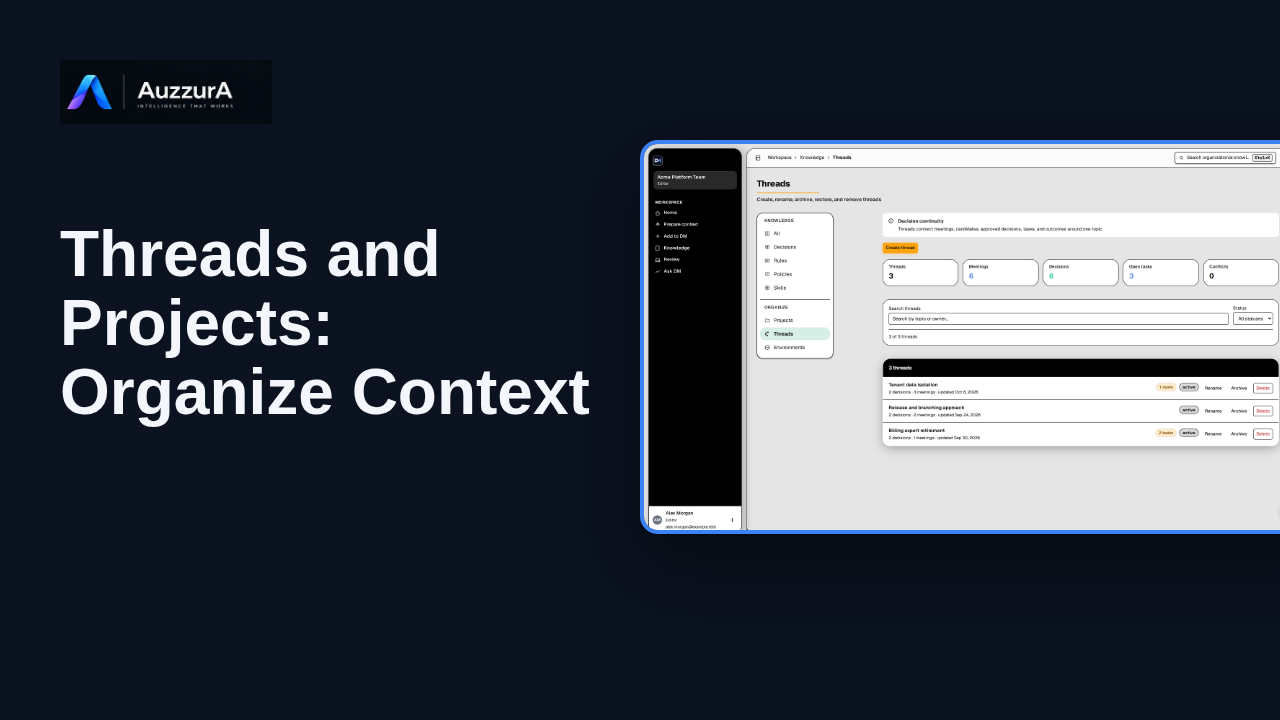
Explain how topic continuity and project organization work in the Knowledge section. Decisions change over time. Threads help keep their history connected.
For: Workspace member or project lead
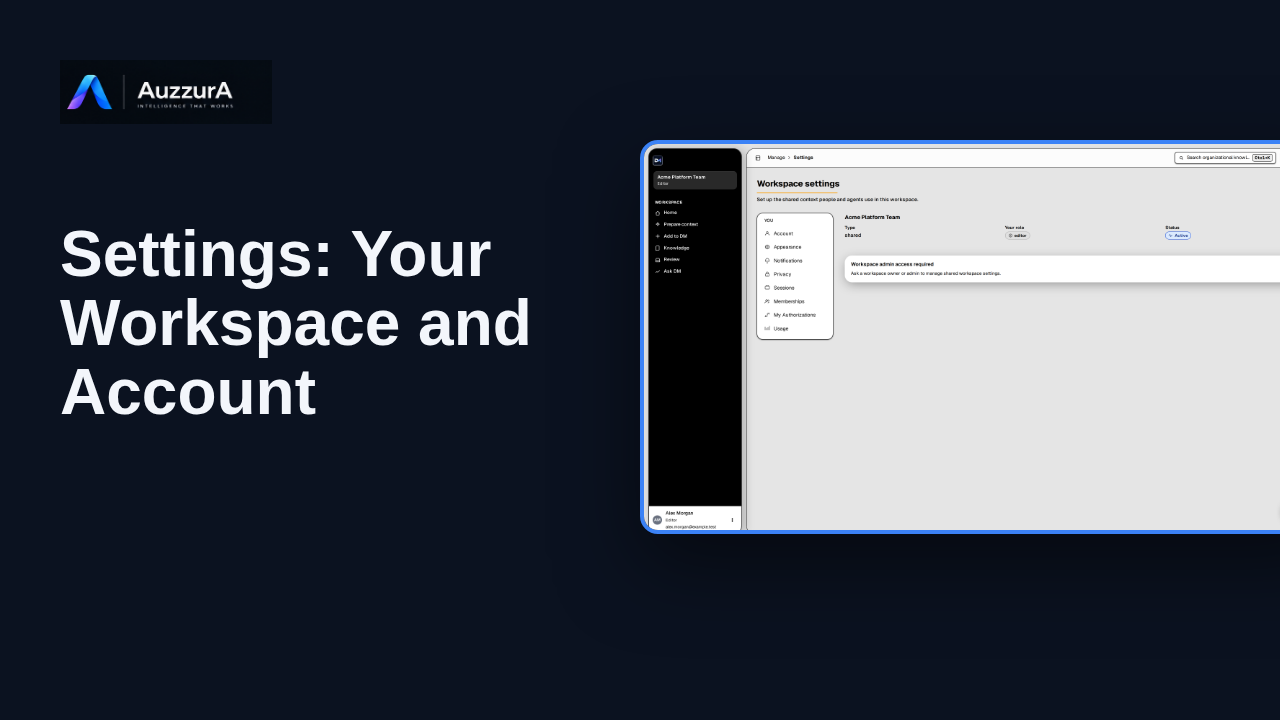
Explore workspace and account settings available to your role in DM.
For: Signed-in member
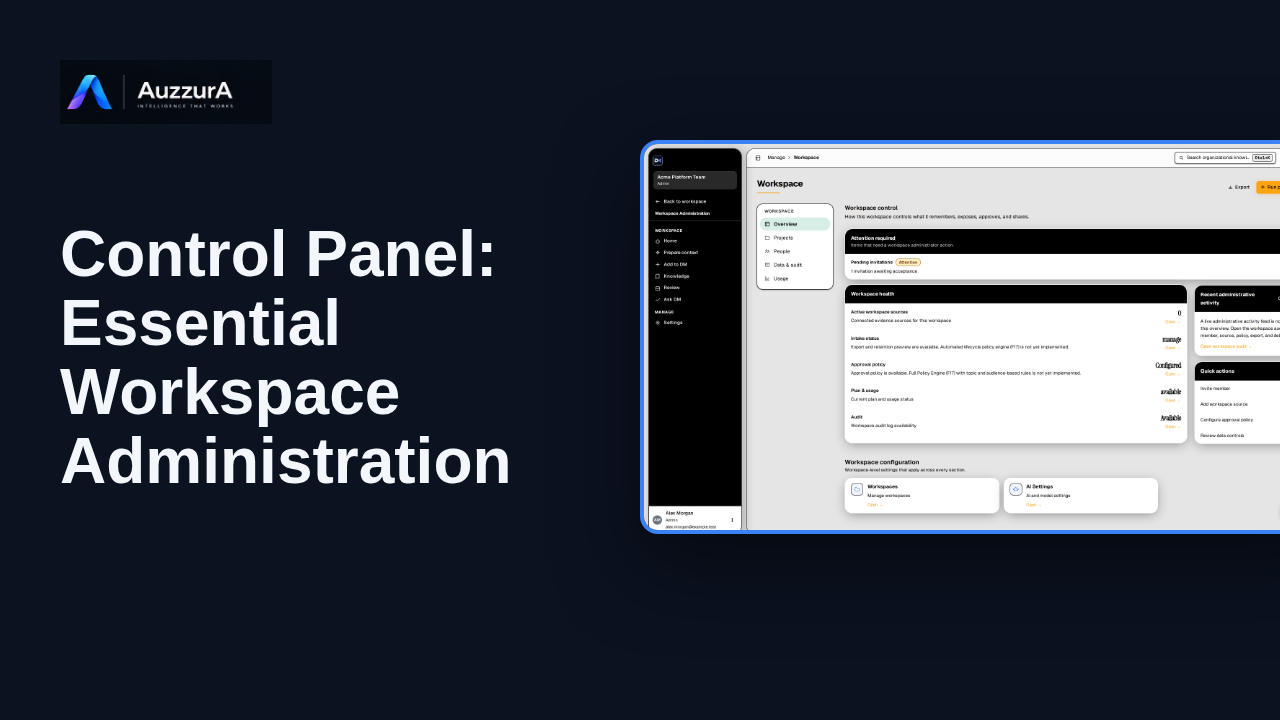
Learn where workspace admins manage members, agents, sources and governance controls.
For: Workspace owner or admin